Swoop TV setup tutorials for every device
Step-by-step guides to install Swoop TV on Amazon Firestick, Smart TVs, Android boxes, Apple devices and PCs. Average setup time is under 3 minutes.
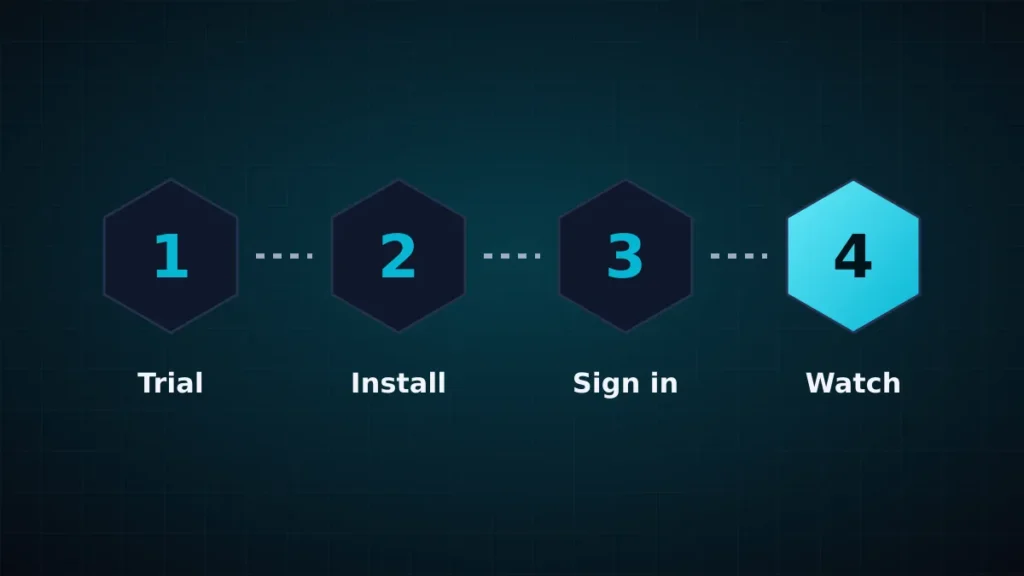
How to install Swoop TV on Amazon Fire TV & Firestick
What you need for Swoop TV on Amazon Fire TV & Firestick
Time: 3 minutes · Difficulty: Beginner · Recommended apps: Downloader, IPTV Smarters Pro, TiviMate
Install the Downloader app
From the Firestick home screen, search for “Downloader” and install it from the Amazon Appstore. Then go to Settings → My Fire TV → Developer Options → Install Unknown Apps and turn Downloader on.
Open Downloader and enter the app code
Launch Downloader and enter code 78522 for IPTV Smarters Pro. Press Go and install.
Sign in with your Swoop TV details
Choose “Login with Xtream Codes API” and enter the username, password and server URL we sent to your email or WhatsApp.
How to install Swoop TV on Smart TV (Samsung & LG)
What you need for Swoop TV on Smart TV
Time: 4 minutes · Difficulty: Beginner · Recommended apps: IBO Player, IPTV Smarters Pro, SS IPTV
Open your TV app store
On a Samsung (Tizen) or LG (webOS) TV, open Samsung Apps or the LG Content Store.
Install a player app
Install IBO Player or IPTV Smarters Pro and open it to see your device ID and key.
Add your Swoop TV playlist
Upload the M3U link or Xtream details we sent through the app’s website, or type them into the TV app.
How to install Swoop TV on Android TV, boxes & phones
What you need for Swoop TV on Android TV, boxes & phones
Time: 2 minutes · Difficulty: Beginner · Recommended apps: TiviMate, IPTV Smarters Pro, XCIPTV
Install from Google Play
Search for “TiviMate” or “IPTV Smarters Pro” in the Play Store and install.
Add an Xtream Codes playlist
Choose Add playlist → Xtream Codes and enter the server URL, username and password from your welcome message.
Turn on the TV guide
Enable the EPG and hardware acceleration for fast zapping and smooth 4K.
How to install Swoop TV on Apple TV, iPhone & iPad
What you need for Swoop TV on Apple TV, iPhone & iPad
Time: 3 minutes · Difficulty: Beginner · Recommended apps: Smarters Player Lite, GSE Smart IPTV
Install Smarters Player Lite
Open the App Store on iOS or tvOS, search for “Smarters Player Lite” and install it.
Sign in with Xtream Codes
Choose “Login with Xtream Codes API” and enter your username, password and server link.
Start watching
Pick a channel or title. AirPlay works to any compatible screen.
How to install Swoop TV on Windows PC & Mac
What you need for Swoop TV on Windows PC & Mac
Time: 2 minutes · Difficulty: Beginner · Recommended apps: IPTV Smarters desktop, VLC
Install a desktop player
Download IPTV Smarters for Windows or Mac, or use VLC for a quick test with your M3U link.
Enter your details
Sign in with your Swoop TV credentials and start streaming.
Swoop TV Downloader code: 78522
Install IPTV Smarters Pro on Amazon Firestick without typing long URLs.
Swoop TV risk-free 3-day money-back guarantee
Say goodbye to cable bills and stuttering feeds. Swoop TV gives you live channels in HD and 4K and a huge on-demand library, ready in 5 minutes.